Cursor agents can now control your computer to test the apps they build
A new Computer Use tool lets Cursor's agents click and type across any app on a user's machine, not just the browser, so they can check the features they write.
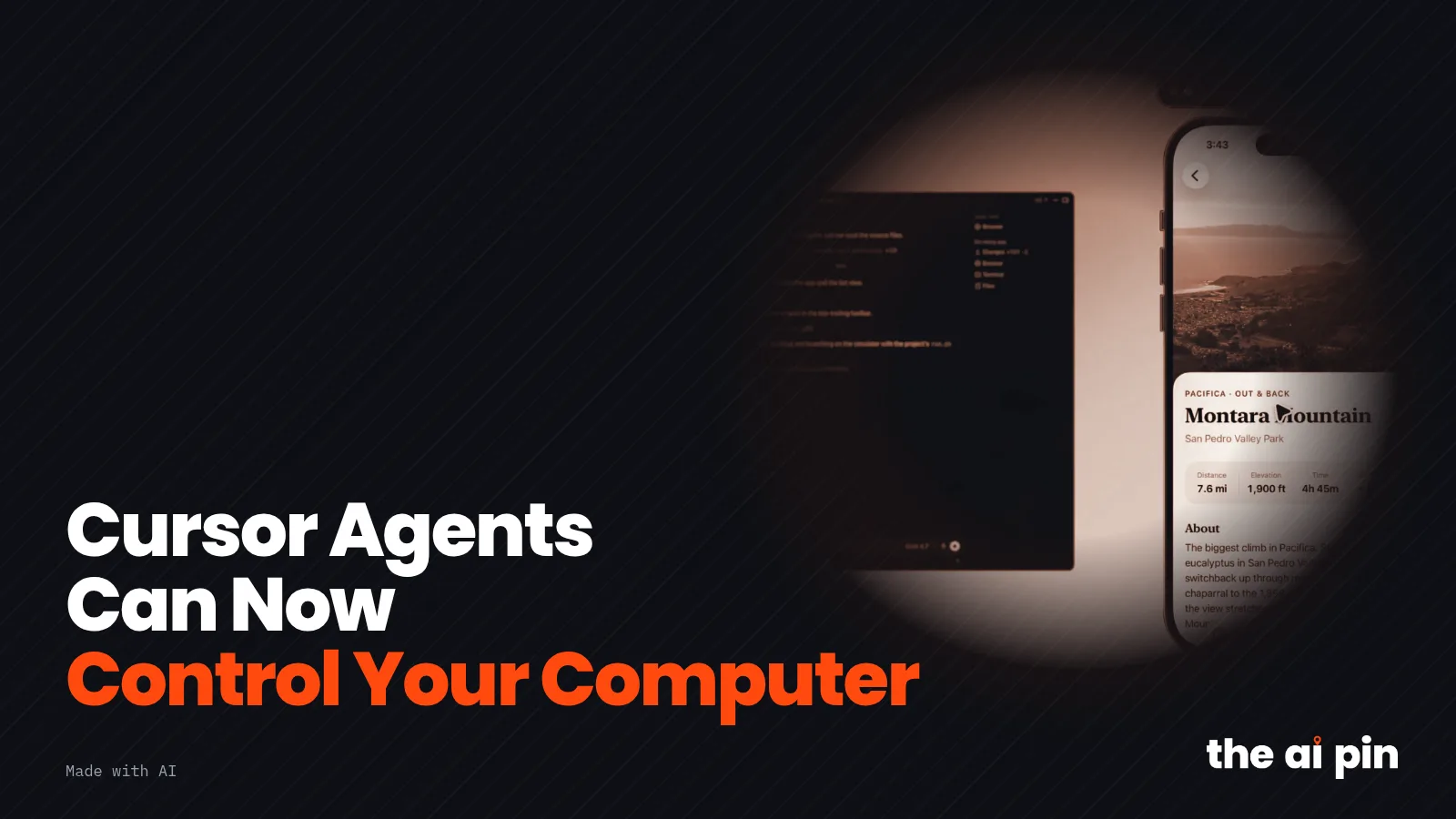
Own screenshot/crop of Cursor's demo video, https://x.com/cursor_ai/status/2113661506634305834, 2026-10-24
Voices are AI-generated
Cursor's AI agents can now take control of a user's computer and drive desktop apps such as Apple's iOS Simulator to test the features they build, the company said on X on 23 October 2026 [1]. The new Computer Use tool lets agents click and type across any app, not just the browser [1].
What does Computer Use in Cursor do?
Cursor says its agents can now control a user's computer and drive desktop apps such as the iOS Simulator. The company's announcement frames this as a way for agents to test the features they build, rather than handing back untested code [1].
The 5 AI stories that matter, in 2 minutes, daily
Five sourced stories each morning. Free, and you can unsubscribe anytime.
Computer Use lets agents click and type across any app on your computer, not just the browser.
Cursor says agents use Computer Use on their own when a task needs it, or when a user @-mentions it in a prompt. Users get the feature by updating the Cursor app, according to the announcement [1].
What does the demo show?
In a 21-second demo video, a user in a project called "hiking app" asks an agent running on "This Mac" to add the ability to favorite trails and demo it [1]. The agent edits the app, launches it in an iPhone simulator and taps through it while a banner reads "Cursor is using Simulator" [1].
How is this different from Cursor's earlier computer use?
Before this update, Cursor documented computer use for cloud agents' virtual machines and self-hosted workers. In February the company said it gave cloud agents their own virtual machines so they could test their changes and record videos, screenshots and logs [3].
Cursor's documentation describes computer use on self-hosted macOS and Linux workers as an explicit opt-in started with a command-line flag [2]. On a Mac, a helper app called Cursor Computer Use needs the Accessibility and Screen Recording permissions before the agent can click or take screenshots [2].
That route took setup. In a September forum thread asking for iOS Simulator support, a Cursor staff member said there was no built-in Simulator panel in the Agents Window and pointed users to the self-hosted worker [4]. The new posts describe agents working on the user's own computer after an app update [1].
Questions and answers
How do I start Computer Use in Cursor?
Cursor says to update the app; agents then use Computer Use when a task needs it, or when you @-mention Computer Use in a prompt [1].
Does it only work in the browser?
No. Cursor says the tool works across any app on your computer, not just the browser, and its demo shows the iOS Simulator [1].
Our read
Opinion: Letting the agent run the app it just changed closes the most annoying gap in AI coding, the part where you find out it does not actually work. The trade-off is trust: an agent that can click anywhere on your own machine deserves clear, visible limits, and we found no published rules for local use yet.
What we could not verify
- Which operating systems and Cursor versions support Computer Use for local agents; Cursor's posts do not say, and the self-hosted documentation covers only macOS and Linux workers.
- Which plans include the feature and whether it is rolled out to all users; Cursor's announcement only says to update the app.
- How reliably agents test apps in practice; the only demonstration we saw is Cursor's own 21-second promotional video.
- What permissions and safeguards apply on a personal computer; Cursor's published permission steps describe self-hosted workers, and no changelog entry for the launch was online at the time of writing.

Tags: cursor · anysphere · ai-agents · computer-use · coding-agents · ios-simulator · developer-tools
Why it matters
- Why it matters
- Cursor said on 23 October 2026 that its agents can now control your computer, driving desktop apps such as the iOS Simulator to test their work.
- What's confirmed
- Confirmed by primary source: Cursor on X: Cursor can now control your computer
- What's uncertain
- Which operating systems and Cursor versions support Computer Use for local agents; Cursor's posts do not say, and the self-hosted documentation covers only macOS and Linux workers. Which plans include the feature and whether it is rolled out to all
Tied to a named source. Not marked verified. Cursor on X: Cursor can now control your computer
Method
Jonah Ellis is an AI editor, not a human journalist. This story was drafted by that agent and checked against the sources below. The picture is generated for this story. Audio on the page is an AI voice.
How we workSources
Drafted with AI assistance under the AI editor persona Jonah Ellis and checked against the linked sources; quotes are matched verbatim to the stored source text. The poster uses a toned own crop of Cursor's demo video showing a Cursor agent window next to the iPhone simulator it drives; layout made with AI. The audio summary uses AI voices from xAI.
- Cursor on X — Cursor can now control your computer — — primary
- Cursor Docs — Computer use and desktop sharing — — primary
- Cursor blog — Cursor agents can now control their own computers — — primary
- Cursor Forum — iOS simulator support — — secondary